Built to Parse What Others Can’t
Parsemint AI is our in-house engine that turns complex, unstructured documents into clean, structured data. It works fast, adapts to different formats, and delivers results without manual setup.

What is Parsemint AI?
Parsemint AI is a proprietary parsing engine developed by our team. It extracts structured data from PDFs, scanned images, and handwritten files. The system recognizes tables, fields, and layouts automatically and adapts to every document you upload. Whether you're working with invoices, contracts, forms, or reports, Parsemint AI helps you go from raw files to usable data in seconds.
 formatted documents
We Built a New Standard for Document Extraction
Experience the power of Parsemint AI - built to handle complex documents, automate field detection, and streamline your workflows with precision.

No Code Data Extraction
Convert PDFs, scans, or Word files into clean data without writing a single line of code. Just upload, review, and export.
Powerful Custom Parsing Rules
Set up field-level extraction rules for your most common document types. Save and reuse templates across teams with a visual editor anyone can use.
Document-Specific Filters
Speed up accuracy with prebuilt logic for invoices, receipts, contracts, statements, and more. Tailored filters mean less cleanup and faster results.
What Can Parsemint Do?
Parsemint AI helps you turn messy, complex documents into structured, usable data really fast.

Extract Data from Any Document Type
Parse PDFs, scanned images, HTML files, emails, and even handwritten notes.
- Works with structured and unstructured formats
- Pulls data from embedded content and attachments
- Organizes everything into clean, export-ready datasets

Handle Complex Layouts with Ease
Parsemint AI reads across pages, tables, and inconsistent layouts without breaking the structure.
- Works with multi-page reports and form-heavy documents
- Preserves original layout for easier review
- Maps fields accurately across columns, rows, and sections
Parse Text from Images and Scans
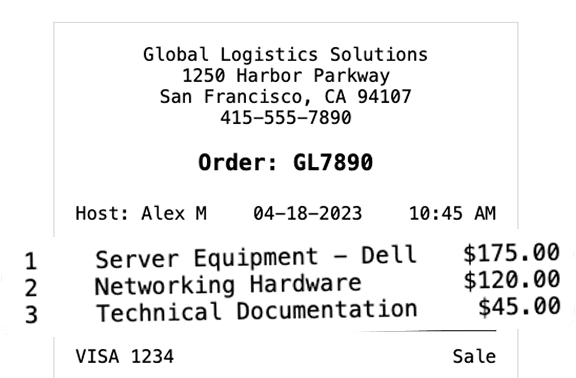
With the built-in Vision Engine, Parsemint reads what traditional OCR tools miss.
- Extracts content from receipts, scans, and photos
- Handles embedded or non-editable text
- Designed for real-world files, not just clean PDFs
Two Smart Engines. Built for Real-World Files.
Parsemint AI gives you the flexibility to choose how your documents are parsed - based on the structure, format, or source of the file.
Text Based Engine
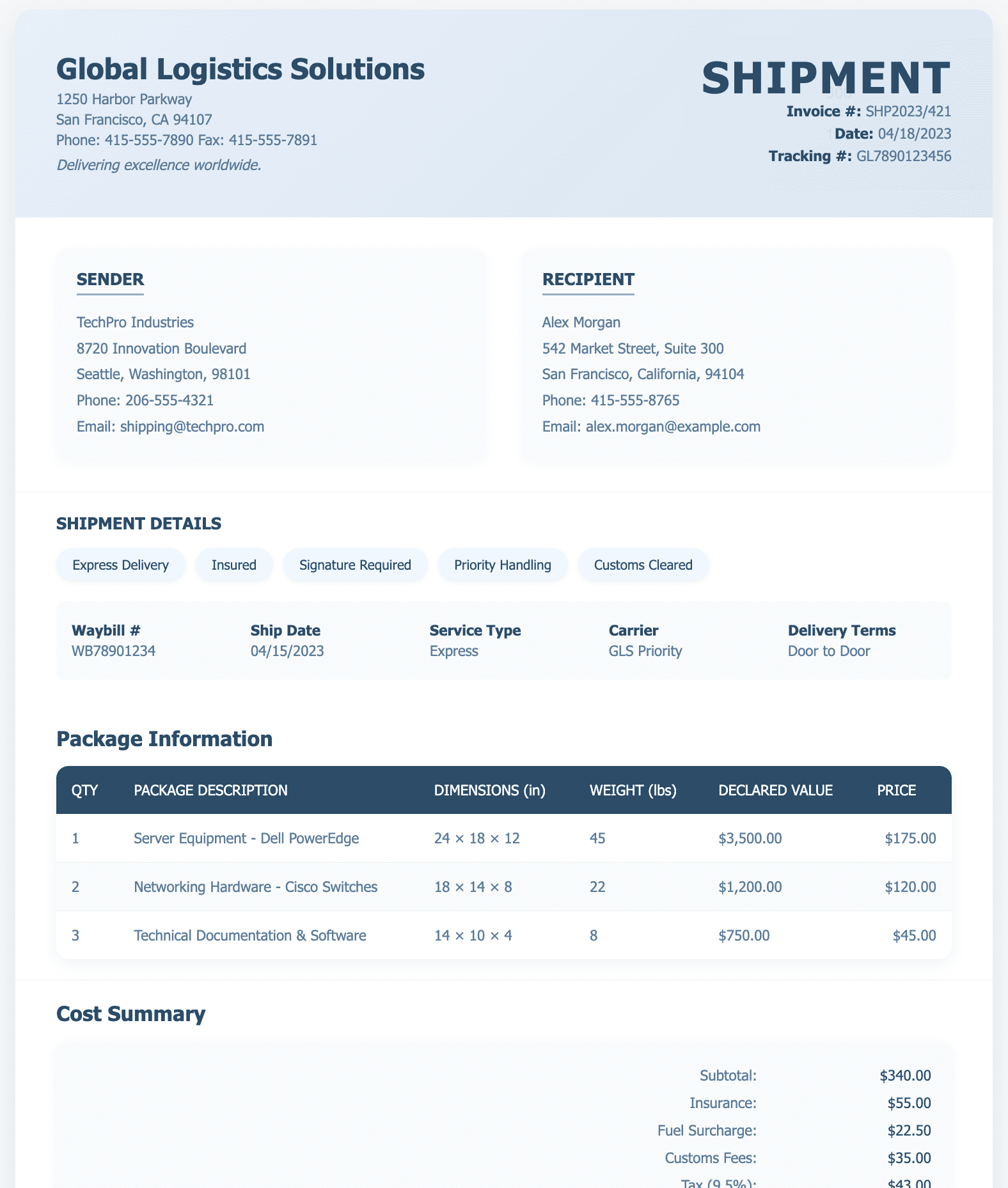
Best for structured documents like emails, reports, and HTML files. This engine focuses on clean, fast text extraction.
- Ideal for clearly formatted files
- Extracts content without layout noise
- Great for statements, contracts, and web-based exports
Vision Based Engine
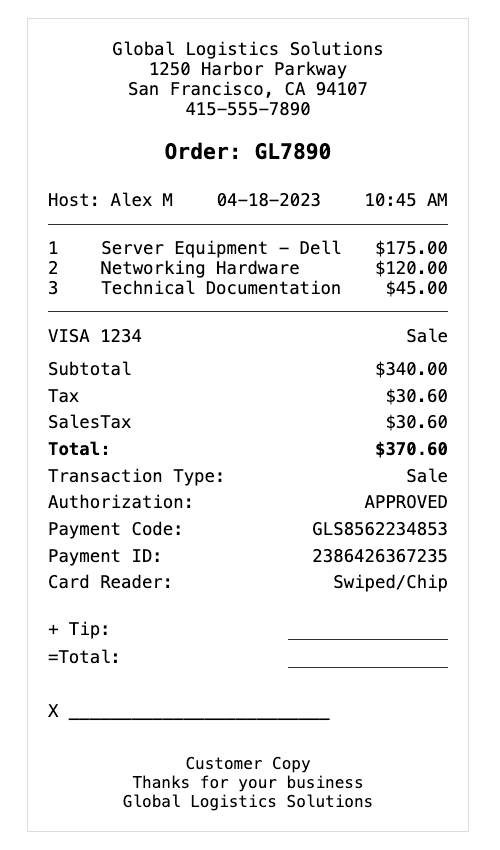
Designed for documents that include images, scans, or visual layouts. It reads both text and structure for better field recognition.
- Perfect for forms, receipts, and scanned PDFs
- Captures data from images and embedded text
- Handles tables, handwritten sections, and complex layouts
Choose the Right Performance Model
Every engine offers two processing modes so you can match speed with complexity:
- LLM-Core (Default)
Fast and efficient. Best for shorter, simpler documents that don’t require layout interpretation. - LLM-Flex
Better for longer or messier documents. Slightly slower, but delivers deeper parsing with higher accuracy across multi-page files.
Smarter Workflows from Start to Finish
Parsemint AI simplifies how teams process documents, using intelligent automation to reduce manual work and deliver structured data in seconds.
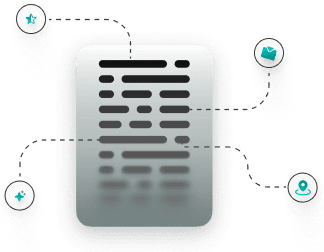

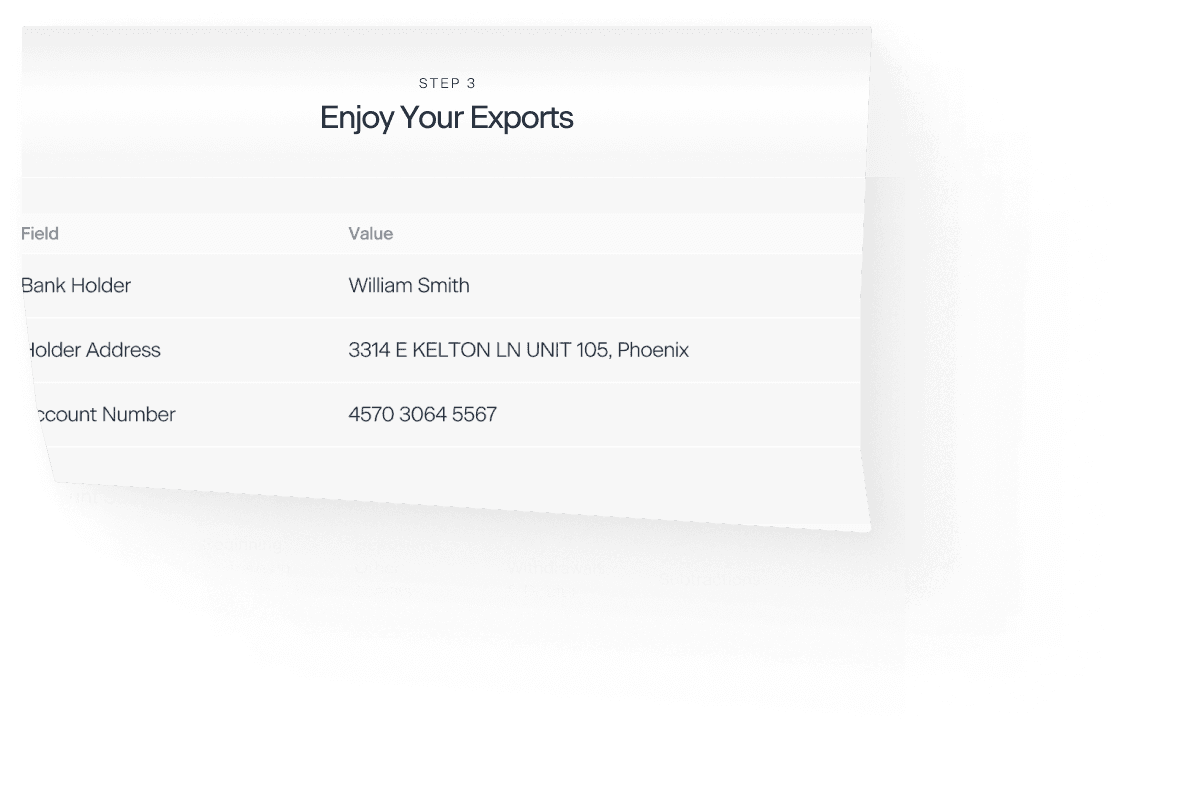
Parsing Assistant
Your smart document schema builder. Automatically generate structured field mappings from any document.
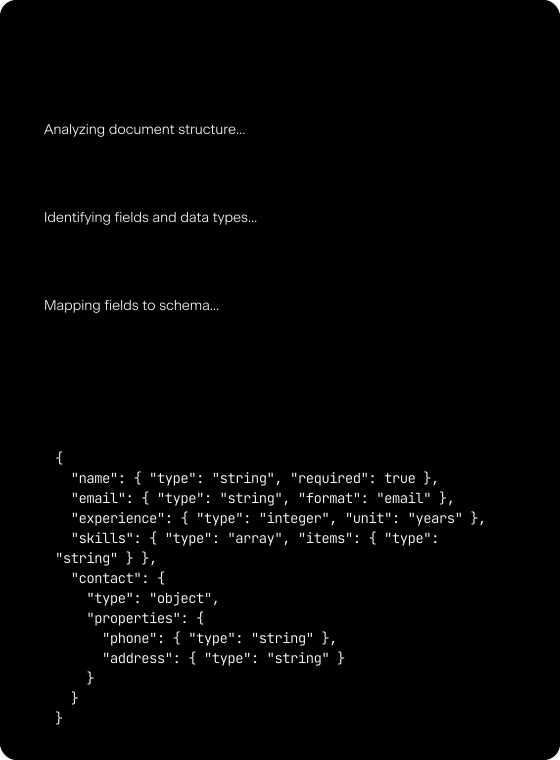
Auto-Generated Schema Suggestions
Upload a file and let Parsemint analyze it in real time. It detects fields, understands layout, and suggests a full schema with labeled data types and structure.
Auto-Generated Schema Suggestions
String
Names, titles, descriptions
Integer
Age, count, years
Boolean
Status, flags, toggles
Decimal
Price, ratings, metrics
Enum
Status, categories
Object
Nested data structures
Table
Work history, education
Key Features That Save Time
Schema Memory
Your previously created schemas are stored and easy to reuse. No need to start from scratch every time.
Field Cherry-Picking
You can build new schemas by choosing specific fields from old documents or newly uploaded ones.
Supported Document Types
Resumes
Business Profiles
Reports
Invoices
Contracts
Forms
Scanned Docs
Handwritten
PDFs & Word
Images & HTML
Turn Documents Into Data You Can Use
Upload a file, see the results, and skip the manual work for good. Parsemint is built for speed, accuracy, and scale. No setup required.
 Upload a File