
Automate Your Document Based HR Processes
Easily extract vital information from Word, PDF, and image files. Seamlessly export data to Excel, Google Sheets, and numerous other formats and integrations.

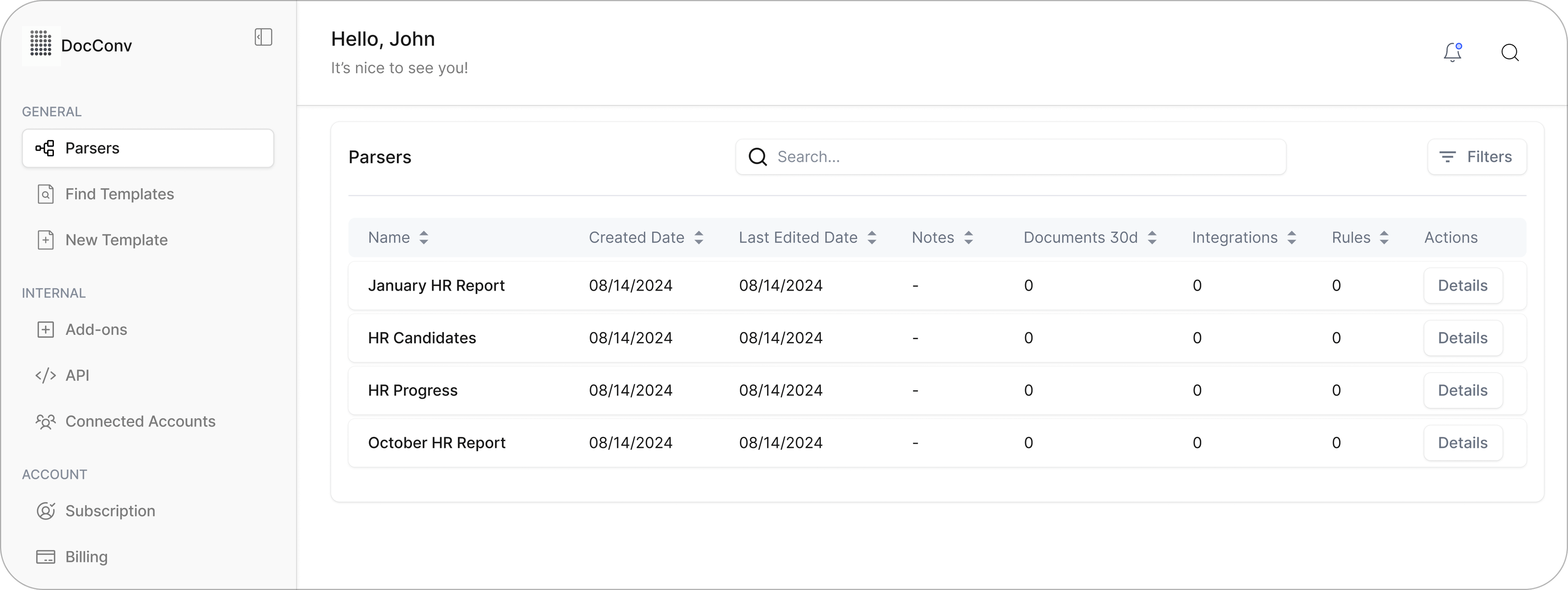

Extract Data From PDF Forms in One Click
Batch process completed forms and instantly convert them into structured, usable data for your spreadsheets, workflows, or connected platforms.
Tired of Copying Data from PDF Forms by Hand?
Whether you're handling rental applications, loan documents, or legal forms, collecting data from filled PDF forms can slow everything down. Copying and pasting field by field is time-consuming, error-prone, and difficult to scale. Parsemint simplifies this by turning completed forms into structured data automatically, so your team can focus on the work that matters.
Automate PDF Form Conversion to Excel or CSV
Most fillable PDF forms follow a fixed layout, with only the input values changing. Parsemint is built to handle this. Once you upload a sample and create your parsing rules, you can convert thousands of forms into Excel or CSV in minutes.
Using our point-and-click interface, you simply highlight the fields you want to extract. For more advanced needs, you can target variable positions, apply formatting, and clean up the output on the fly. No coding or complex setup required.
Extracting Data from PDF Forms is Simple with Parsemint
Getting started with Parsemint is straightforward. Our step-by-step guide walks you through creating a layout parser, extracting key fields, and sending the data exactly where you need it, whether that’s a cloud platform, spreadsheet, or internal system.
You can extract just a few fields like phone numbers, email addresses, or
business names, or capture every populated field in the form.
Choose between fixed-position extraction for structured layouts, or use smart
filters that locate fields based on keywords. You can even apply filters to
format phone numbers, addresses, and dates for consistency.
PDF form processing no longer needs to be a manual, error-prone task.
With Parsemint, you can automate the entire process, reduce transcription
errors, and route your data anywhere it needs to go.
You'll see immediate improvements in speed, accuracy, and overall workflow efficiency.
“Managing a high volume of shipping documents daily was a significant challenge for our operations team. The manual process of extracting data from various PDF forms not only consumed valuable time but also introduced the risk of errors.
Implementing Parsemint transformed our workflow. The platform's ability to automate data extraction from PDF forms and integrate seamlessly with our existing systems has significantly improved our efficiency. We've seen a notable reduction in processing time and errors, allowing our team to focus more on strategic tasks.
Parsemint has become an indispensable tool in our logistics operations, streamlining our document management and enhancing overall productivity."

Natasha Lee – Operations Manager, KMS Logistics, Singapore
Turn Documents Into Data You Can Use
Upload a file, see the results, and skip the manual work for good. Parsemint is built for speed, accuracy, and scale. No setup required.
 Upload a File