
Automate Your Document Based HR Processes
Easily extract vital information from Word, PDF, and image files. Seamlessly export data to Excel, Google Sheets, and numerous other formats and integrations.

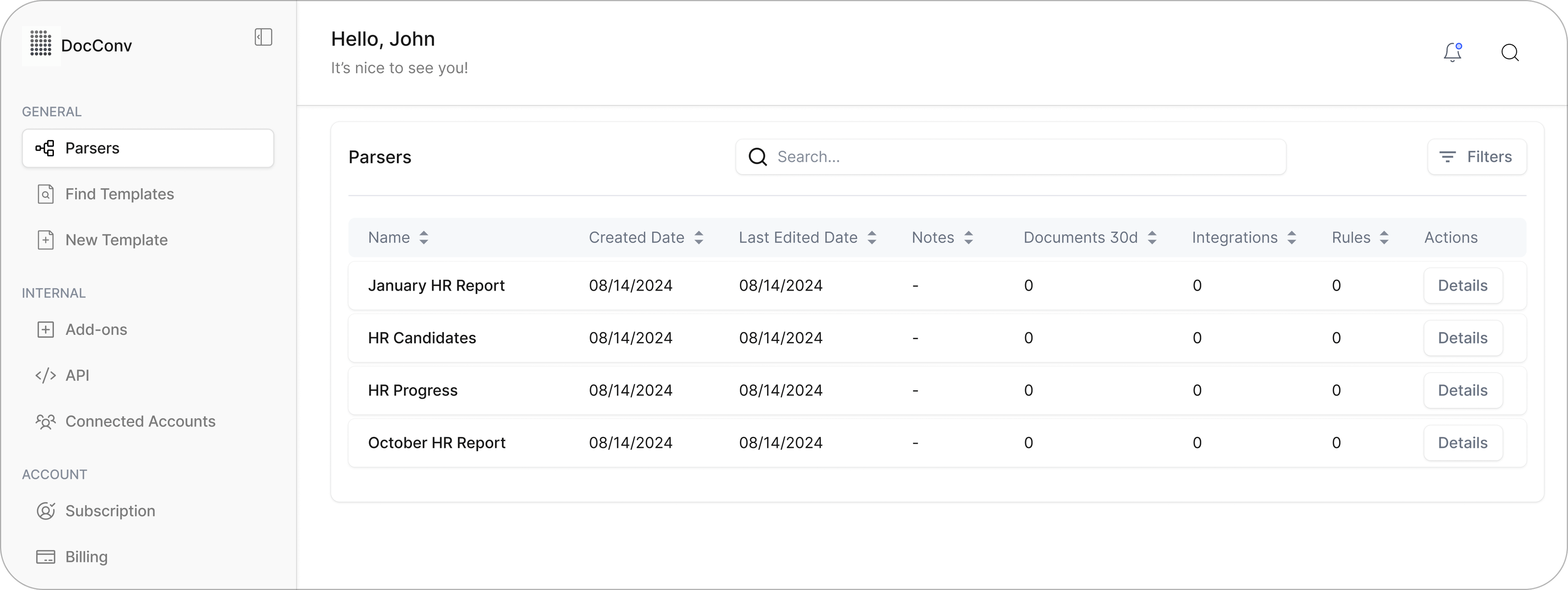

Convert Word Documents to Structured Data in Seconds
Quickly extract data from Word files and send it to Excel, Google Sheets, or your CRM with just a few clicks.
How to Extract Data from Word Documents to Excel with Parsemint
Parsemint makes it simple to pull data from Word files and move it exactly where you need it. You can set everything up in just a few steps and automate the entire process for real-time results.
Step 1: Import Your Word Files
Connect your cloud storage like Google Drive, Dropbox, OneDrive, or Box.
You can also email documents directly into Parsemint, use our REST API, or
upload files manually through the secure web app. DOC and DOCX formats are fully
supported.
Step 2: Create Your Custom Parser
No coding required. Just define your parsing rules with a few clicks, and
Parsemint will extract only the data fields you care about. Tailor your parser
to suit different document layouts or use smart filters to handle more flexible
formats.
Step 3: Send or Download Your Data
Once your data is extracted, you can send it to Google Sheets, Excel, your CRM,
or any other tool using our integrations with Zapier, Make, Workato, or
Microsoft Power Automate.
You also have the option to download your data in Excel, CSV, JSON, or XML.
Automate Word Document Parsing to Enhance Productivity
Manual data entry from Word documents is not only time-consuming but also prone to errors. By automating this process, businesses can significantly improve efficiency and accuracy.
According to a Gartner study:- Poor data quality is a primary reason for 40% of all business initiatives failing to achieve their targeted benefits.
- Data quality issues can impact overall labor productivity by as much as 20%.
By leveraging Parsemint's Word Document Parser, organizations can:
✅ Reduce manual data entry errors by automating the extraction of
information from Word documents.
✅ Save time by streamlining the process of converting Word files into
structured formats like Excel or CSV.
✅ Improve data quality by ensuring consistent and accurate data capture
across documents.
Implementing such automation not only enhances employee productivity but also contributes to better decision-making and operational efficiency.

Parse Word Documents Across Your Business Use Cases
With Parsemint, you can extract data from a wide range of recurring business documents in Microsoft Word format.- Legal contracts
- Client briefs
- Sales reports
- Invoices
- Bill of lading documents
- Agency deliverables
Parsemint supports both .doc and .docx formats with precision.
Where Can the Parsed Data Go?
Once your Word documents are processed, you can export the extracted data in:- XLS
- CSV
- JSON
- XML
You can also send it directly to other tools through our REST API or automate delivery with integrations like:
- Zapier
- Workato
- Microsoft Power Automate
This makes it easy to connect your data to hundreds of business apps.
"Managing a high volume of custom cake orders daily was a significant challenge for our bakery. The manual process of extracting data from various PDF forms not only consumed valuable time but also introduced the risk of errors.
Implementing Parsemint transformed our workflow. The platform's ability to automate data extraction from PDF forms and integrate seamlessly with our existing systems has significantly improved our efficiency. We've seen a notable reduction in processing time and errors, allowing our team to focus more on baking and customer service.
Parsemint has become an indispensable tool in our operations, streamlining our document management and enhancing overall productivity."
Chef Greg Navage – Owner of a bakery in Austin, Texas
Turn Documents Into Data You Can Use
Upload a file, see the results, and skip the manual work for good. Parsemint is built for speed, accuracy, and scale. No setup required.
 Upload a File